Adjust a Stretch Metal Apple Watch Band: Tight or Loose
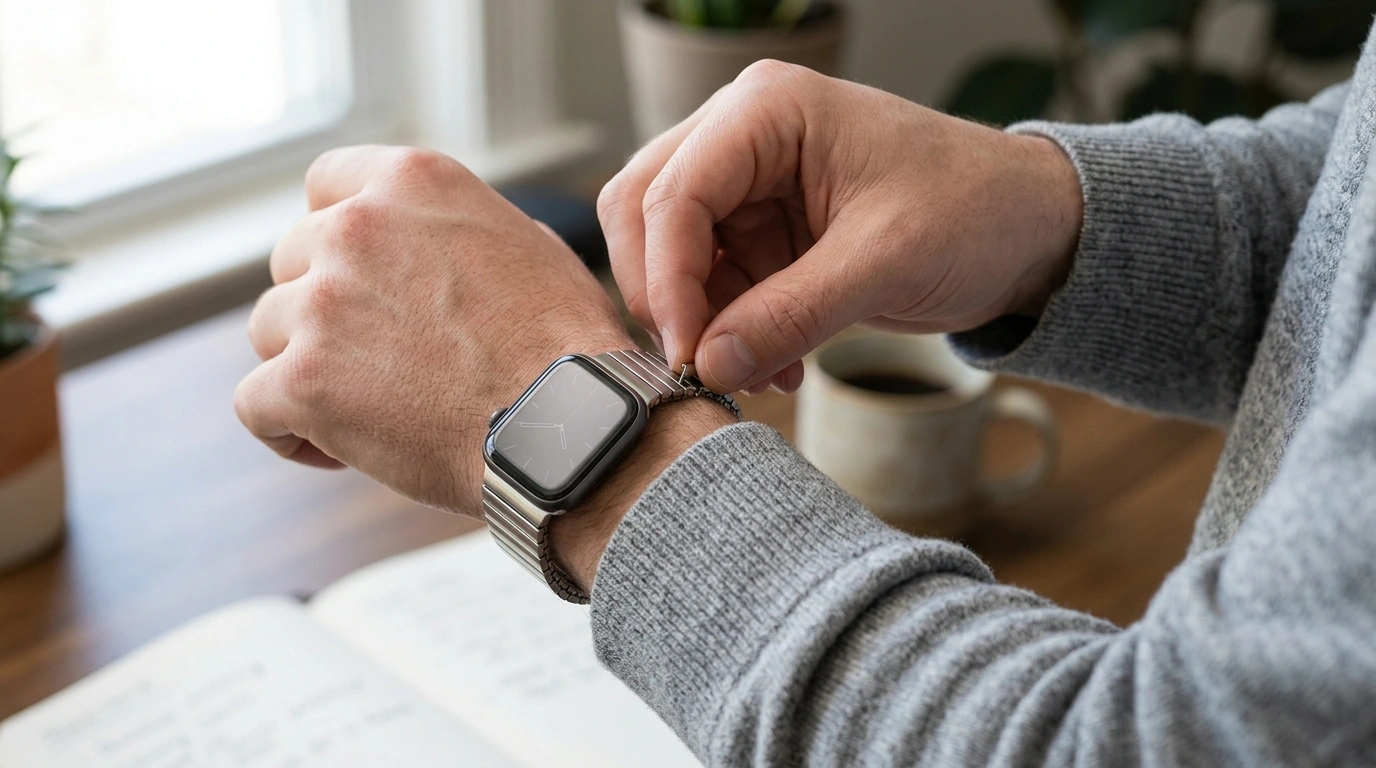
How do you adjust a stretch/elastic metal Apple Watch band if it feels too tight or too loose?
Stretch/elastic metal Apple Watch bands (often “stretch mesh” or “elastic link” styles) don’t use a traditional buckle, so dialing in comfort is usually about changing the band’s effective size or how it sits on your wrist. The right fit should feel secure without leaving deep marks or cutting off circulation.
1) Identify the band style and its adjustment method
Some stretch metal bands are true one-piece elastic designs with no hardware to resize; others include removable links or a hidden clasp section that allows small size changes. Before forcing anything, look along the underside for a seam, tiny pins/screws, or a clasp-like segment.
2) If it’s too tight: add length (or reduce tension)
If your band has removable links, add a link (or swap in a larger section) to increase circumference. If it’s a one-piece elastic band with no links, the practical fix is sizing up to a larger band; repeatedly overstretching can permanently weaken the elastic and make the fit uneven.
For day-to-day comfort, also try wearing it slightly higher above the wrist bone, especially during swelling (heat, workouts, long flights). A small position change can relieve pressure without changing the band.
3) If it’s too loose: remove length (or improve stability)
On link-adjustable elastic metal bands, remove a link or two so the watch doesn’t slide and the sensors stay in contact with your skin. If the band is a non-adjustable elastic loop, sizing down is the most reliable option—loose stretch bands can cause inconsistent heart-rate readings and a “spinning” watch face.
4) Make small, symmetrical changes
When removing or adding links, keep adjustments balanced on both sides of the watch case so it stays centered. Test after each change: the watch should stay put when you shake your wrist, but you should still be able to slide a fingertip under the band.
5) Get a fit-focused walkthrough
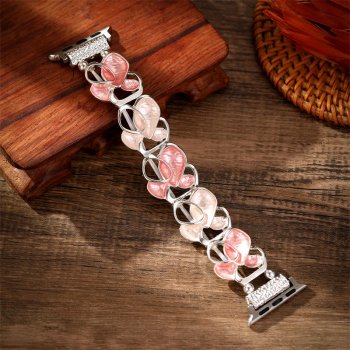
For a deeper, visual comfort guide—plus fit tips specific to floral metal elastic styles—visit this Apple Watch band fit and comfort guide.
FAQ
Will a stretch metal Apple Watch band loosen over time?
Yes, many elastic metal bands relax slightly with regular wear. If it becomes noticeably looser, resizing (if links are removable) or switching to a smaller size is usually the best fix.













Leave a comment