Tablet vs Laptop for Seniors: Comfort, Tasks, Ease
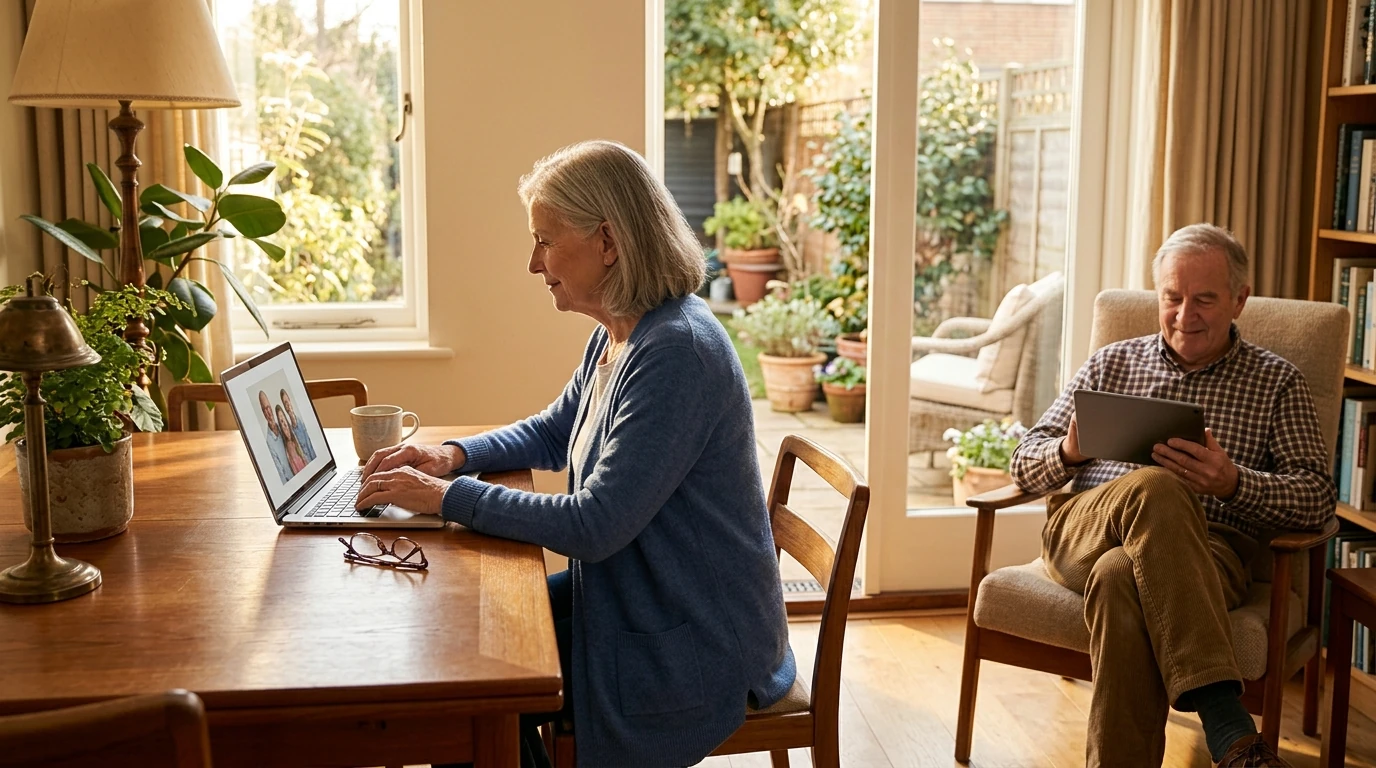
Which Is Better for Seniors: a Tablet or a Laptop?
If you’re choosing a device for yourself or helping a loved one, the “better” option comes down to how you’ll use it day to day. Our team usually starts with three questions: Where will you use it most, what tasks matter most, and what feels most comfortable in your hands?
When a tablet is the better choice
A tablet is often the easiest starting point for seniors who want simplicity and portability. The touchscreen feels direct—tap what you want, swipe to move around—and there’s no hinge to fuss with. Tablets are great for reading, video calls, streaming shows, casual games, checking email, and browsing the web from a couch or recliner. They’re also light, quick to wake, and comfortable to hold for shorter sessions. If you have arthritis or limited hand strength, look for a tablet with a larger screen (10–11 inches), a sturdy case with a hand strap, and an adjustable stand to reduce gripping.
When a laptop is the better choice
A laptop shines when you need a real keyboard and a larger, more desktop-like experience. If you’re writing longer emails, managing finances, filling out forms, organizing photos, or using more complex websites, a laptop can be less frustrating. The built-in keyboard and trackpad make text entry and precise clicking easier than on a touchscreen. For comfort, prioritize a 13–15 inch display, a backlit keyboard, and a lightweight model you can move without strain.
The comfort and safety checklist
Whichever you choose, focus on readability and fatigue reduction: increase text size, turn up brightness, and use a stand to bring the screen to eye level. If balance or drop risk is a concern, a grippy case and a stable table setup matter more than raw performance. For hearing support, Bluetooth hearing-aid compatibility and easy volume controls can also make a big difference.
Still deciding? Use this simple rule
If you mostly watch, read, chat, and browse, start with a tablet. If you type often, handle paperwork, or want fewer website limitations, choose a laptop. For a deeper comparison of features and scenarios, see our full guide here: tablet vs. laptop: choose the right device for your week.
FAQ
Should seniors get a stylus for a tablet?
Yes, a stylus can make tapping small buttons, scrolling, and writing notes easier, especially if you have shaky hands or want more control than a fingertip provides.















Leave a comment