Tablet Instead of a Laptop? How to Know If It Works
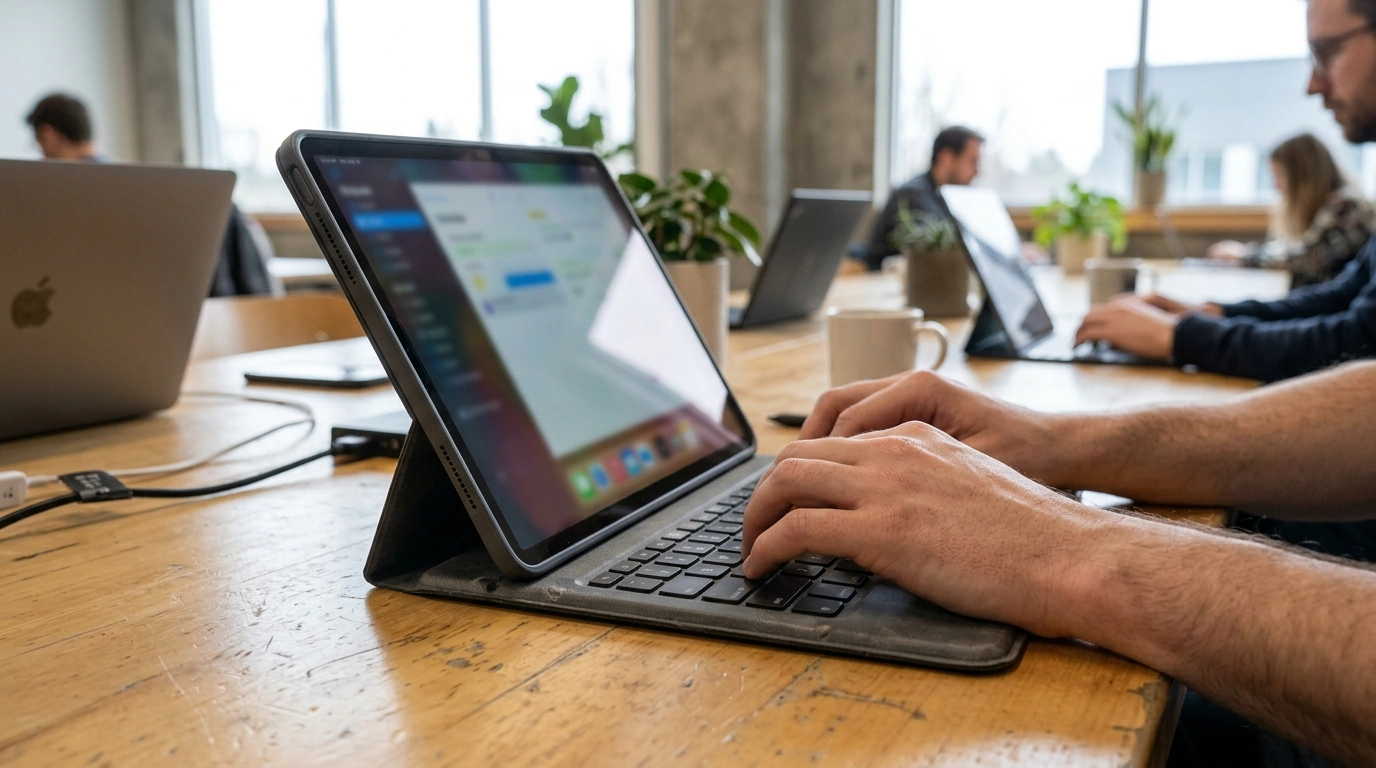
Is it a good idea to use a tablet instead of a laptop?
It can be a great idea to use a tablet instead of a laptop—if your daily tasks match what tablets do best. Our team usually frames the decision around two things: how you work (typing, multitasking, file handling) and what you need to run (apps, peripherals, and any specialized software). Tablets shine for portability and touch-first convenience, while laptops still lead for heavy productivity and compatibility.
When a tablet can replace your laptop
A tablet is a smart swap when your work is mostly web-based, communication-focused, or reading-and-annotating heavy. If you spend your time in email, video calls, documents, web apps, note-taking, and streaming, a tablet plus a keyboard case can cover a lot. For students and on-the-go professionals, the quick wake-up, long battery life, and light weight can make it easier to actually carry your device everywhere and use it in short bursts.
Tablets are also strong for creative workflows that benefit from touch, like sketching, marking up PDFs, and quick social content editing. Add a stylus and you get a natural handwriting experience a laptop can’t match.
When you should stick with a laptop
If you rely on desktop-class software (advanced spreadsheets, coding environments, professional design suites, accounting tools, or certain enterprise apps), a laptop is usually the safer choice. Laptops handle multi-window workflows, external displays, and complex file management more smoothly, especially when you’re juggling several apps at once.
Typing comfort matters too. If you write for hours, a laptop keyboard and trackpad typically reduce friction. And if you regularly plug in accessories—multiple monitors, specialized USB devices, or wired networking—laptops tend to be simpler and more reliable.
Our team’s quick decision checklist
Choose a tablet if you prioritize mobility, handwriting, reading, and casual-to-moderate productivity. Choose a laptop if you need maximum app compatibility, heavy multitasking, and a traditional desktop-style workflow. If you’re on the fence, consider a tablet only if you’ll pair it with a quality keyboard and you’re confident your must-have apps run well.
For a deeper side-by-side breakdown, visit our full guide: Tablet vs. Laptop: Choose the Right Device for Your Week.
FAQ
Can a tablet replace a desktop for remote work?
For email, chats, meetings, and document edits, a tablet can work well for remote work. If your job needs complex multitasking, specialized software, or frequent external display and accessory use, a desktop or laptop is usually a better fit.















Leave a comment