Find Your Apple Watch Case Size: Quick Steps
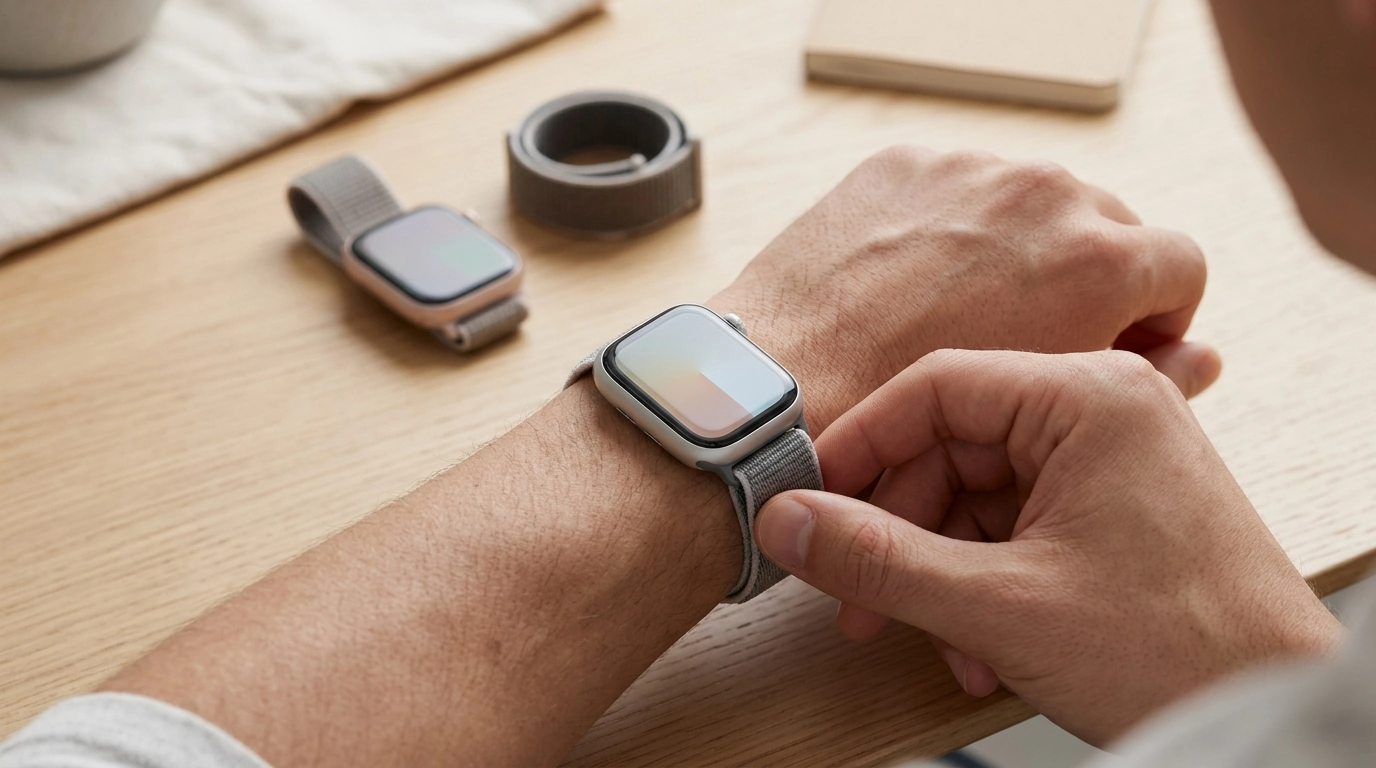
How do I know what size Apple Watch case to get?
Apple Watch case size is determined by the watch model and the number printed on the back of your watch (or listed in Settings). The “case size” is the height of the watch in millimeters—common sizes include 38mm, 40mm, 41mm, 42mm, 44mm, 45mm, 46mm, and 49mm. Choosing the right one matters because bands are made to fit specific case-size groups.
1) Check the size printed on the back of your Apple Watch
Flip your watch over and look at the engraving around the sensors. You’ll typically see the case size (for example, “45mm”). Match that number when shopping for a band, case, or screen protector.
2) Confirm in your iPhone if you can’t read the engraving
Open the Watch app on your iPhone, go to “All Watches,” tap the info icon next to your watch, and look for the case size in the model details. You can also check in the Watch app under General > About.
3) Use Apple’s case-size compatibility groups for bands
Most bands are labeled by compatible groups rather than every individual size. In general, smaller cases (38/40/41/42) share band compatibility, and larger cases (42/44/45/46/49) share compatibility. Always verify the product listing, especially for newer models and Ultra sizing, because listings may specify exact supported sizes.
4) Consider comfort and fit, not just the number
Case size affects how the watch sits on your wrist. Smaller cases tend to feel lighter and look more compact, while larger cases provide a bigger display and may feel more substantial. If comfort is a priority, choosing a band that flexes and distributes pressure evenly can make any case size feel better day-to-day.
For more on getting a comfortable, secure fit—especially if you’re considering a stretchy or metal elastic style—see this fit and comfort guide.
FAQ
Will the same band fit different Apple Watch sizes?
Often, yes—bands typically fit within Apple’s compatibility groups (smaller-case group vs larger-case group). Check the product listing to confirm the exact case sizes supported before buying.













Leave a comment